Start with Your Best References
Choose clear permitted images to guide character appearance, composition and scene details as you add motion.
 Orchard Motion
Private AI porn workspace
Create, edit, enhance and chat in one account
Orchard Motion · 18+
Start with permitted adult reference images and describe how the scene should move. Prepare the source before choosing the video settings. Sign-in and an annual plan. Review the quote before submitting.
Animate your best imageSign-in and an annual plan are required. Creator Annual supports up to 720p and 10 seconds; 1080p or clips longer than 10 seconds require Studio Annual.
Animate the permitted reference image with a subtle head turn and a light breeze. Preserve the adult subject, clothing and setting. Use a slow camera push-in with no cuts.
Editable starting text. Using it does not generate media or spend credits.
Full settings, current generation prices, upload controls, and private history load when you open the studio.
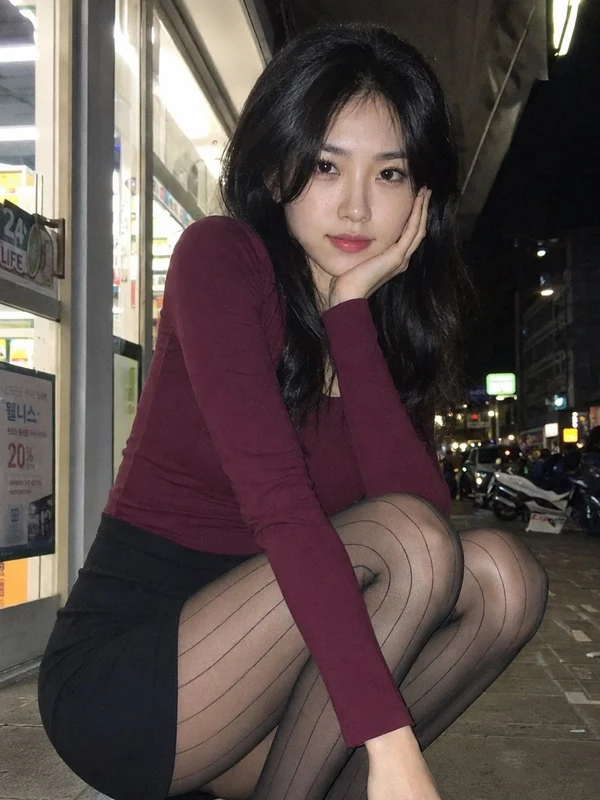
Editorial inspiration, not generated output examples.
About this tool
The AI Porn Image-to-Video Generator in Orchard Motion uses one to ten permitted adult reference images plus a motion prompt to create a new private video. Duration, framing, resolution, audio, and prompt enhancement remain under your control.
Start with permitted adult reference images and describe how the scene should move. Prepare the source before choosing the video settings. Select permitted adult reference images that clearly show the intended scene. Explain which parts should move; additional images guide the request rather than define a guaranteed timeline.
Upload one to ten JPEG, PNG, or WebP images that you have the right to use.
Write a prompt and choose duration, shape, resolution, and audio.
Confirm the final quote before the generation job starts.
The AI Porn Image-to-Video Generator in Orchard Motion uses one to ten permitted adult reference images plus a motion prompt to create a new private video. Duration, framing, resolution, audio, and prompt enhancement remain under your control.
Choose clear permitted images to guide character appearance, composition and scene details as you add motion.
Describe adult action, camera behavior, lighting changes, and pacing in plain language.
Signed-in uploads and generated files are delivered through private Orchard Motion media access.
No. Image-to-video generation requires sign-in and an active annual plan. The eligible no-sign-up trial applies only to one image in the AI Porn Image Generator.
The current workflow accepts between one and ten reference images.
Reference uploads accept permitted JPEG, PNG, and WebP images up to the limit shown in the studio.
Choose an authorized adult reference image and describe the intended motion. Review the available settings before starting.
Orchard MotionAdult access could not be saved.